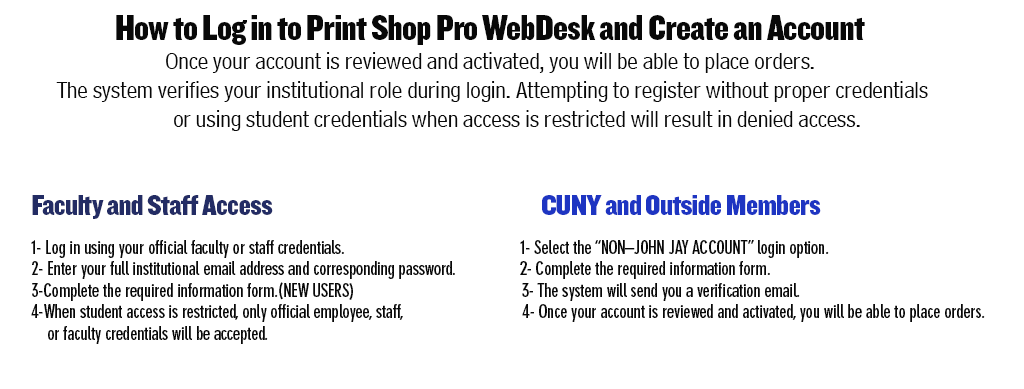
Staff Login Instructions
Please use your full email address and password when logging in.
You may use either:
- Your full JJC email address
- Your @login.cuny.edu email address
If you are unable to log in, please contact DOIT for assistance with resetting your John Jay password.
Important: Your password must be changed every six months. When prompted to change your password, please create a new password to ensure you can continue accessing your account without interruption.